Many won’t look at the technical side of worship as a ministry. Building a live stream ministry is exactly that. Without the technology ministry, worship just isn’t the same.
Whenever I’ve worked at a church, I’ve gone into the interview with the full intention that my position was a ministry, not just a job. It’s not about the money. That’s not why I do what I do. The work I do is to glorify God.
So, how is live streaming a ministry? Because you’re sharing the word of God with the world. Your live stream is reaching people all around the world. Don’t believe it? Check out your analytics for your worship services.
When I worked at a small church, I found people in Pakistan, India, Indonesia, Europe, and other locations tuning into the broadcast. It’s pretty amazing if you think about it.
The broadcast we place on the Internet has the potential to reach people all over the globe. It’s the first time in human history that the Gospel can reach all people.
What’s Needed for Live Streaming?
I’m not talking about going live on Facebook with your phone. This is talking about how to set up a live stream for your worship service.
Here are the minimum requirements to go live with worship.
Camera: Whether this is a ten-year-old camcorder or a state-of-the-art camera, you’re going to need something to capture the video.
Here’s an example of a camcorder (Link To Purchase)
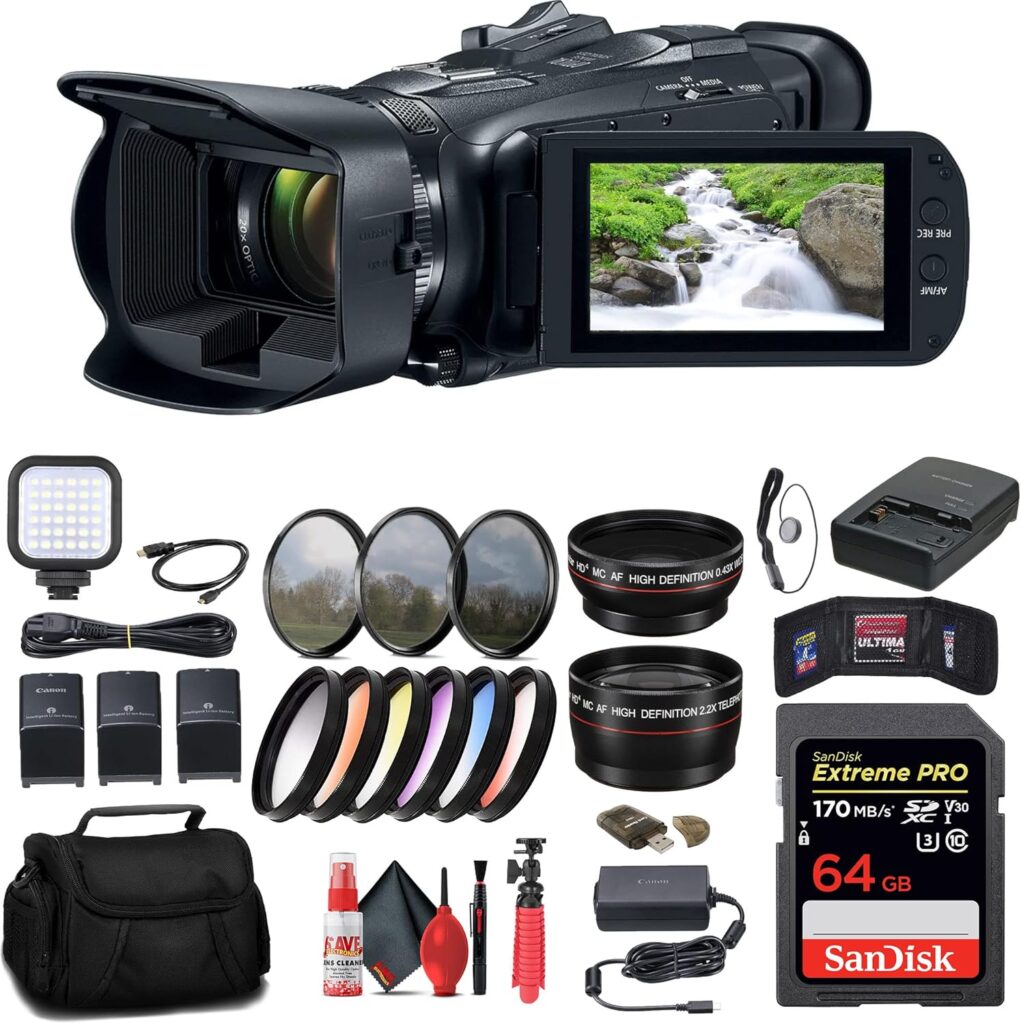
Here’s an example of a newer camera (Link To Purchase)
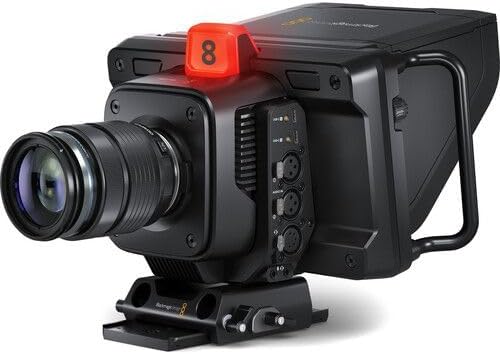
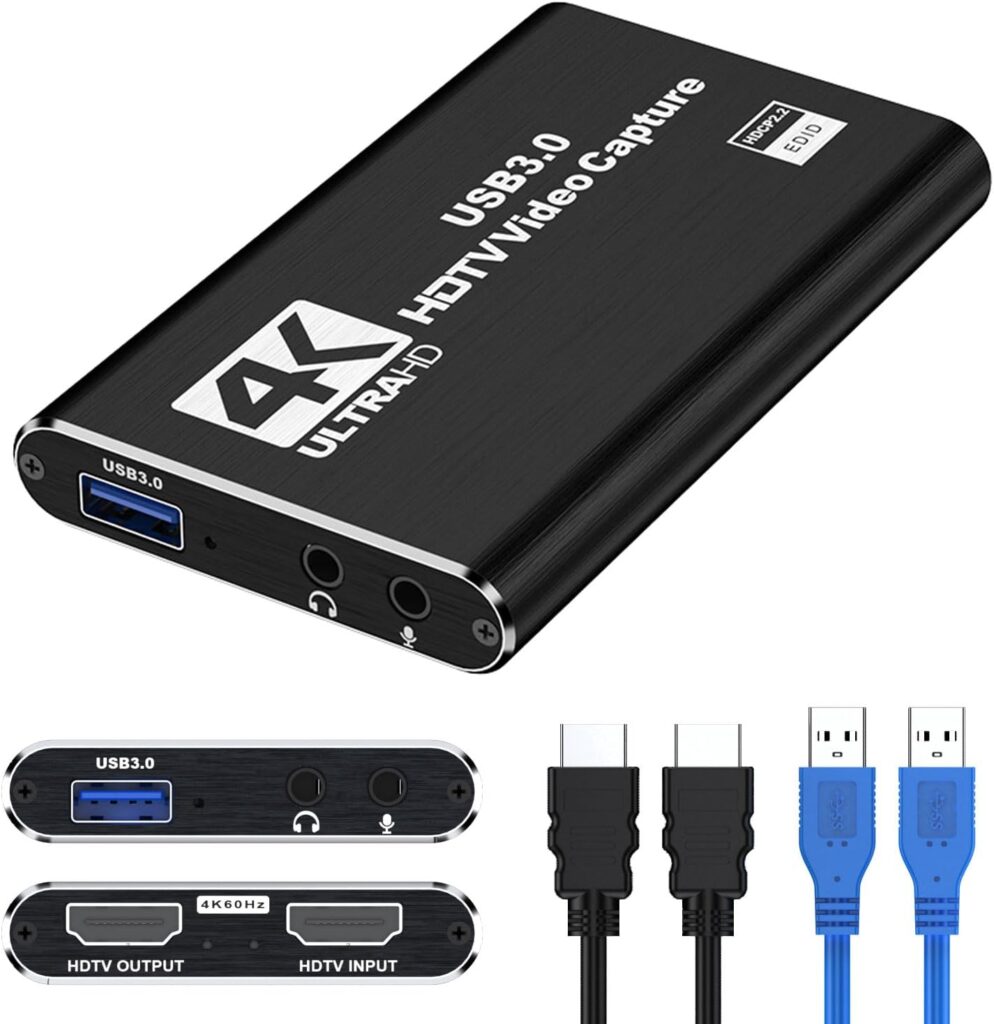
Video Capture Card: The second thing needed is a video capture card. This allows the raw images from the camera to be placed in a format to be used by a computer.
Here’s an example of a 4K Capture Card. (Link To Purchase)
Computer: The Brain of Your Operation
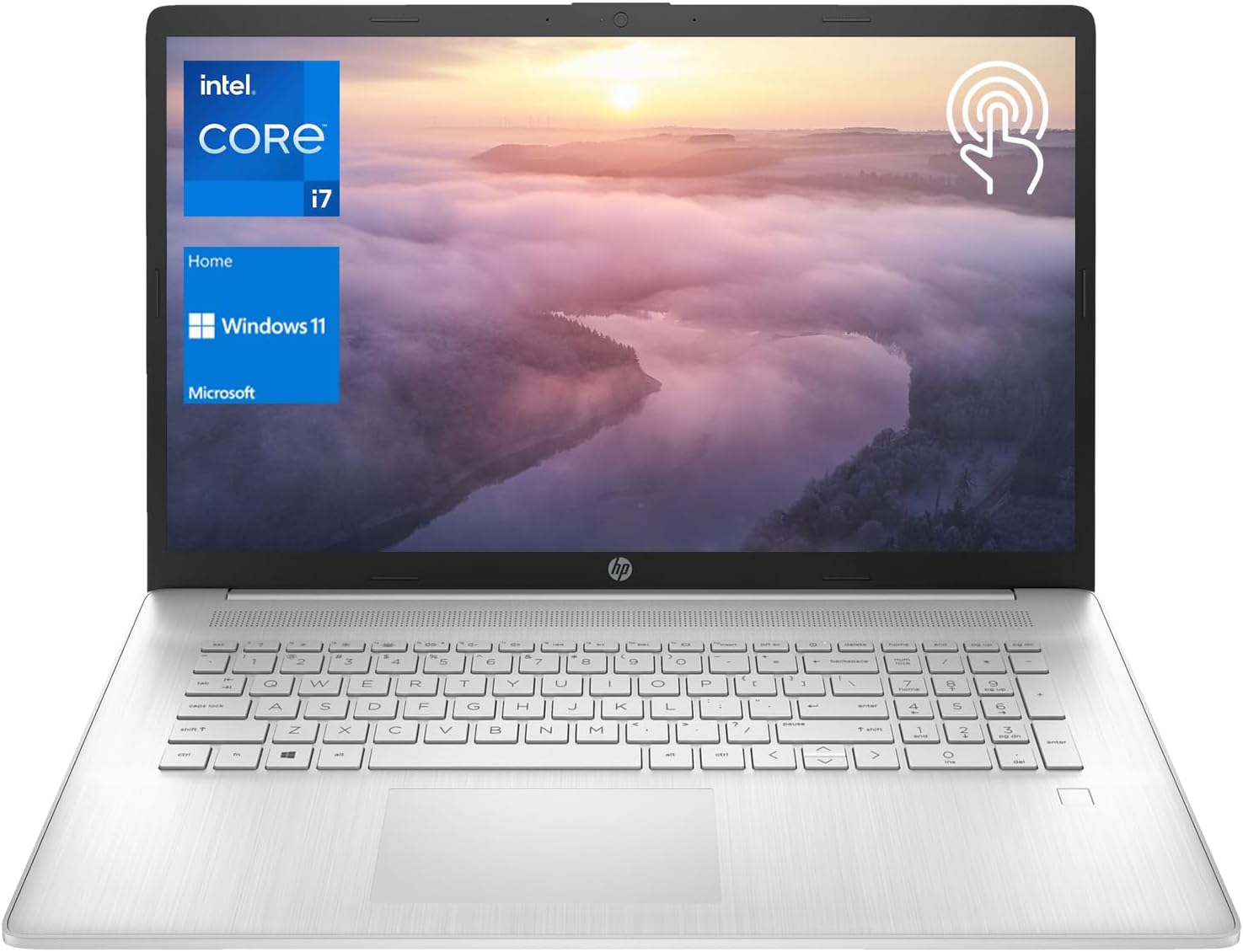
Once you have your video signal, you’ll need a computer to process it and send it out to the world. This doesn’t have to be a top-of-the-line gaming rig, but it does need enough processing power and memory to handle video encoding without lag.
- Minimum Specs: Look for a computer with at least an Intel i5 or AMD Ryzen 5 processor, 8GB of RAM, and a solid-state drive (SSD) for faster performance. If you can afford more, go for it! You can push it with less, however, that’s not guaranteed.
- Software: You’ll also need streaming software. Free options like OBS Studio are incredibly powerful and widely used. Even Restream has a free option for up to two channels. You’ll have to pay for more.
- Channels: Speaking of channels. Only take on what you can regularly support. That includes hosting the live stream to handle any questions that come up. Also, any other content you may want to include on the channel.
Here’s an example of a computer that will work just fine. (Link To Purchase)
Here’s the link to OBS.
Here’s the link to Restream.
Audio: Don’t Forget the Sound!
This is where many live streams fall short. You can have an amazing video, but if the audio is sucks, people won’t watch. Think of it this way. Would you rather watch a blurry video with clear audio or a crisp video with garbled sound?
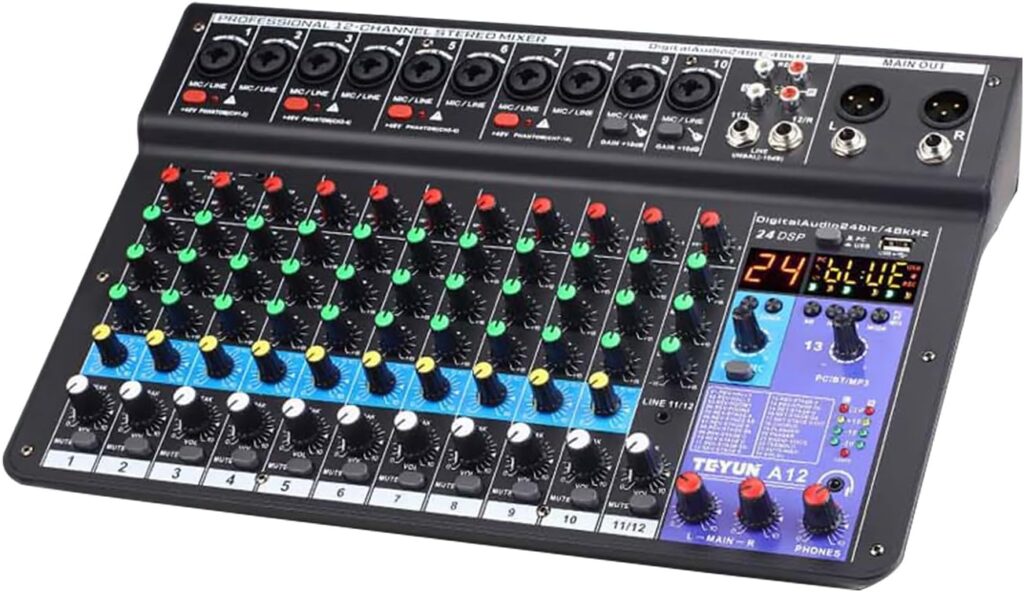
Direct from Soundboard: The best approach is to get a direct feed from your church’s soundboard. This ensures you’re capturing all the microphones used for speaking and music, giving you a clean, balanced audio mix. You’ll likely need an audio interface to convert the analog signal from the soundboard into a digital signal your computer can use. The size you need depends on how many inputs you need. For instance, do you have a band to connect with, or are you using a piano instead?
Here’s a modest sound board that will cover basic worship requirements. This would include enough inputs to account for three microphones, a keyboard or piano, and an additional instrument or two. (Link To Purchase)
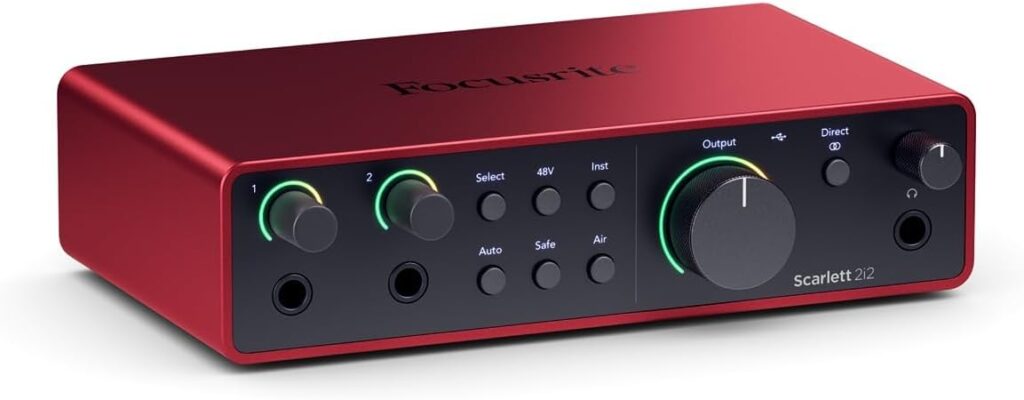
Dedicated Sound Modifier: Being able to take the direct feed from the main sound board may be great, but sometimes, it might be necessary to have the option to adjust levels or at least the overall level.
The FocusRite Scarlett 2i2 will do the trick for a basic adjustment. (Link To Purchase)
Cabling
You’ll need reliable interconnecting cables. Different equipment needs different cables. Distance plays a factor.
Internet Connection: Your Lifeline to the World
Even with the best equipment, a weak internet connection will cripple your live stream. You need a reliable, high-speed upload connection. Don’t confuse download speed with upload speed – for streaming, upload is king!
- Wired Connection: Always use a wired Ethernet connection to your router. Wi-Fi can drop out too easily.
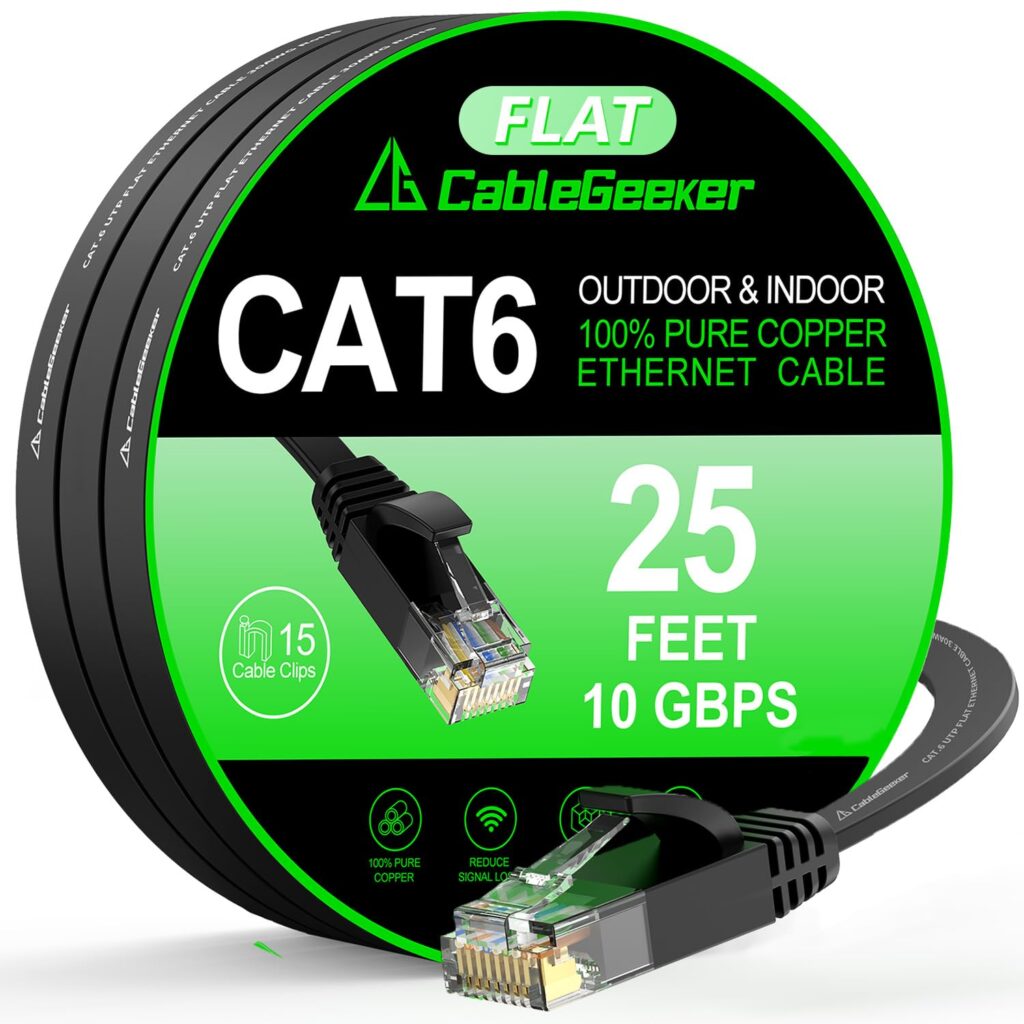
Here’s a data cable you can use to wire Ethernet networks. If you’re familiar with making Ethernet connections, you can always purchase large spools of this cable and make the end connections yourself. (Link To Purchase)
- Minimum Upload Speed: Aim for at least 5-10 Mbps upload speed for standard definition (SD) streaming, and 15-25 Mbps or higher for high definition (HD). You can find this information within the OBS software.
Run a speed test during off hours to get an accurate reading. This is an important check to make sure of the reliability of your stream.
Audio Cables
The cables used for audio are XLR cables. They’re known for reliability and distance and can handle up to 1000 feet. Most installs won’t come close to that. Website is (Link To Purchase)

You can find a full list of equipment recommendations on our Equipment Page.
The Ministry Beyond the Gear
While the technical setup is crucial, remember the core purpose of your live stream ministry. It’s not about having the fanciest equipment; it’s about effectively sharing the Gospel.
- Engagement: Don’t just broadcast; engage! Encourage viewers to comment, ask questions, put up polls, and ask for and respond to prayer requests. Have a dedicated team member monitor the chat.
- Accessibility: Consider adding closed captions or sign language interpretation to make your broadcasts accessible to a wider audience. Some of this depends on the platform. You can use lower thirds with software like ProPresenter. Just be aware of the location of the text. If someone turns on closed captions that are available on Facebook for instance, it might display on top of your lower thirds.
- Consistency: Establish a consistent schedule for your live streams. People will be more likely to tune in if they know when to expect your services. This is easy for Sunday Worship. However, if you start broadcasting other times, make sure you can consistently stream at those times. Start slow and build up as you are able.
- Promotion: Let people know you’re live streaming! Share links on your website, social media, and through email newsletters.
Volunteers
Training
A good training program and an understanding of the ministry aspect of live streaming are essential for volunteers. Embrace the volunteers. Think about how you promote, and nurture other volunteers and treat them the same way.
Recognition
It won’t take long for volunteers to know if you’re supporting the ministry or just looking for bodies to do the work. Having a logo for the ministry or even shirts with a logo is a good idea to help create cohesion within the group and offer professionalism to their tasks.
Here’s an example of a logo you’re free to use if you like.

Summary
Building a live stream ministry is a powerful way to expand your church’s reach and impact. It requires technical knowledge, yes, but more importantly, it requires a heart for ministry. By investing in the right tools and, more significantly, in the spiritual purpose behind them, you can truly share the transforming message of the Gospel with the entire world. It’s a privilege and a calling, and with a bit of effort, your church can become a beacon of hope in the digital landscape.
Case Study
Email Patrick if you’d like a copy of a case study he’s written for his time at Creekwood UMC and creating a Live-Stream system there.
If you’d like help setting up a live stream system or if you need a training program delivered to your volunteers and staff, reach our for a Free 15-Minute Consultation.