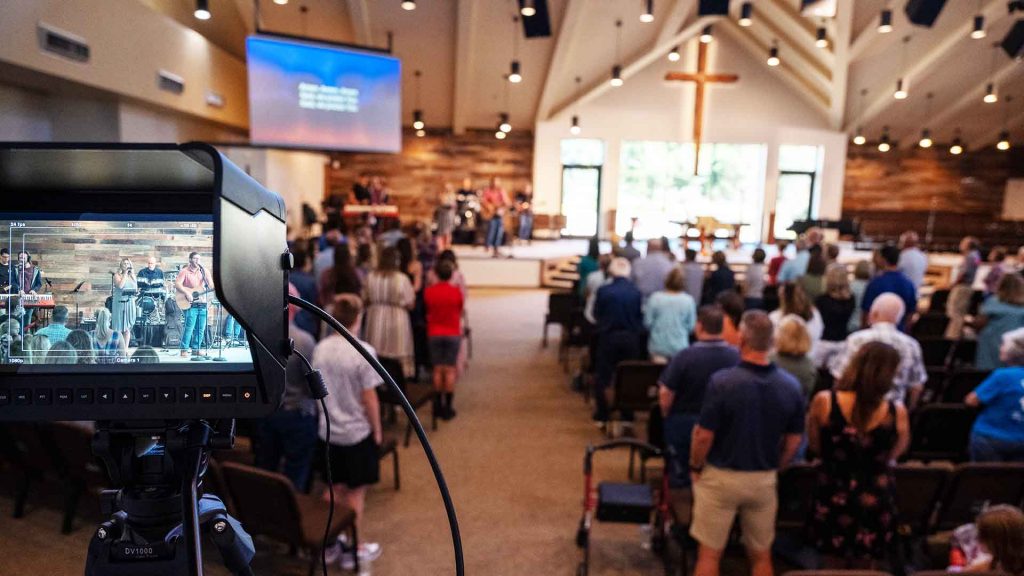
OBS (Open Broadcaster Software) is an open-source, free software that allows you to get your church online in formats like podcasting, vlogging, or live streaming. It’s a great tool for get your church online.
OBS is highly customizable and offers a wide range of features, making it a powerful tool for content creation.
Why Choose OBS Studio?
One of the biggest advantages of OBS is customization. This allows you to tailor your setup to your specific needs. Adjusting settings like resolution, frame rate, and bitrate to optimize your content for different platforms and audiences. Whether you’re a gamer, a vlogger, an educator, or a church, OBS is versatile enough to help you create content.
Some specific uses for a church could be live-streaming worship services, creating a podcast with multiple users in different locations or together, skits, and even Bible Studies.
Getting Started with OBS in Church
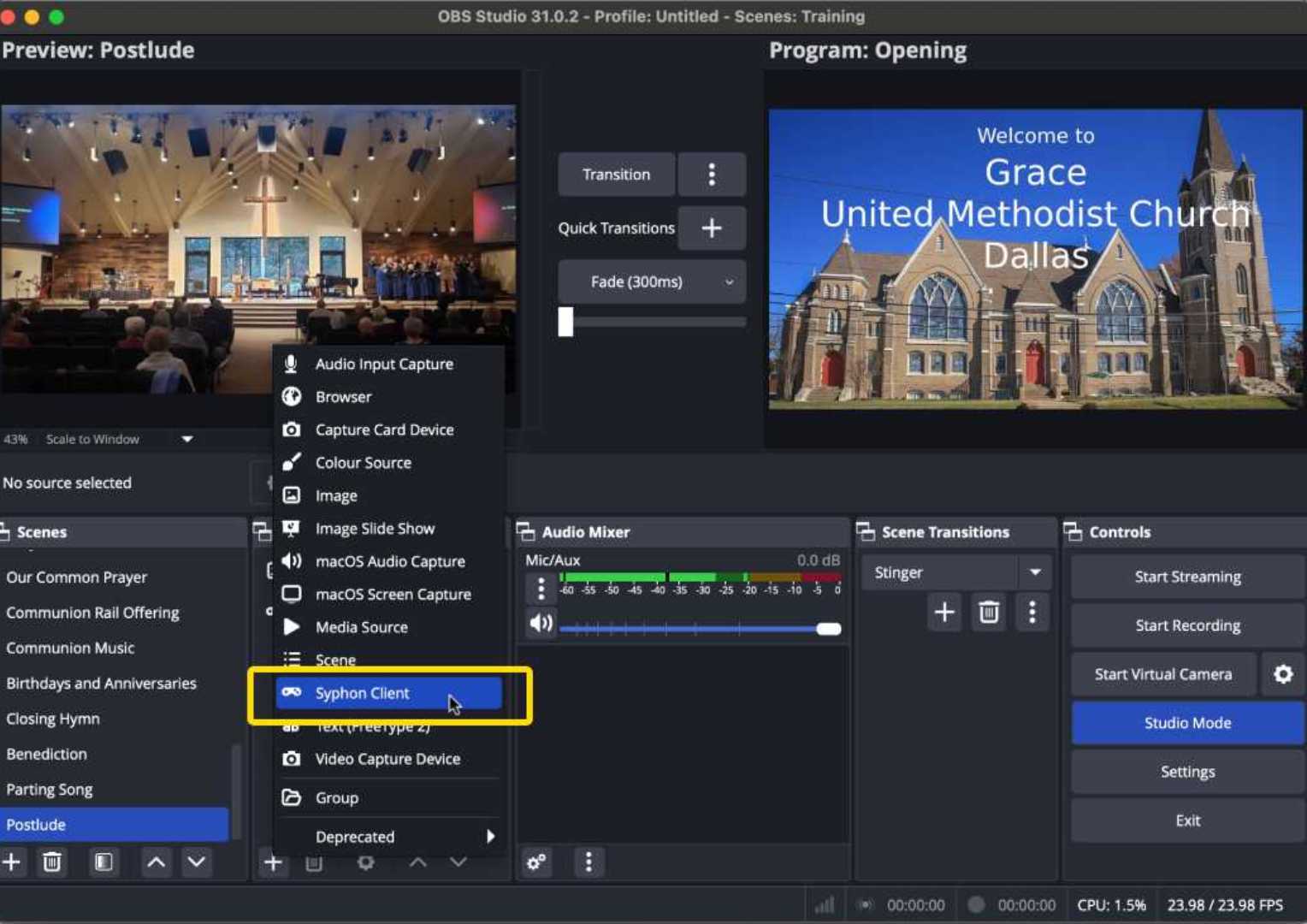
Getting your church online with OBS starts with getting the latest version of OBS from the official website. Once installed, you can add various sources to your scene, such as your webcam, external camera, microphone, and game capture. Customize settings like resolution, frame rate, and bitrate to optimize your stream or recording. Additionally, you can add graphics or other computer information, such as from ProPresenter or similar programs, running in another location.
Organize your content into different scenes to switch between camera angles, layouts, or backgrounds. Enhance your content with transitions, filters, and text overlays. Once your scene is set up, you can start recording to your hard drive or live streaming to platforms like Twitch, YouTube, or Facebook Live.
*Note: You may need additional equipment to use multiple cameras. Check out our Equipment Page for equipment we recommend.
Tips for Effective Content Creation with OBS
- Invest in Quality Equipment: Good lighting and a high-quality microphone can significantly improve audio and video quality.
- Here’s an example of a quality microphone for worship.
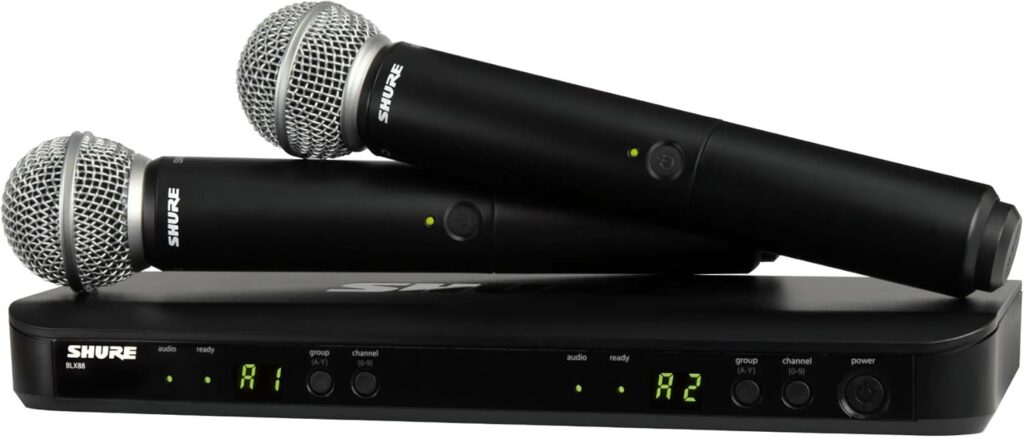
Shure SM58 Microphones with Receiver. Order here.
- Practice Regularly: The more you practice, the better you’ll become at using OBS.
- Engage Your Audience: Interact with your viewers, respond to comments, and build a community. This is usually done on platforms such as Facebook Live or YouTube.
- Here’s an example of a Facebook Live chat feature in practice:
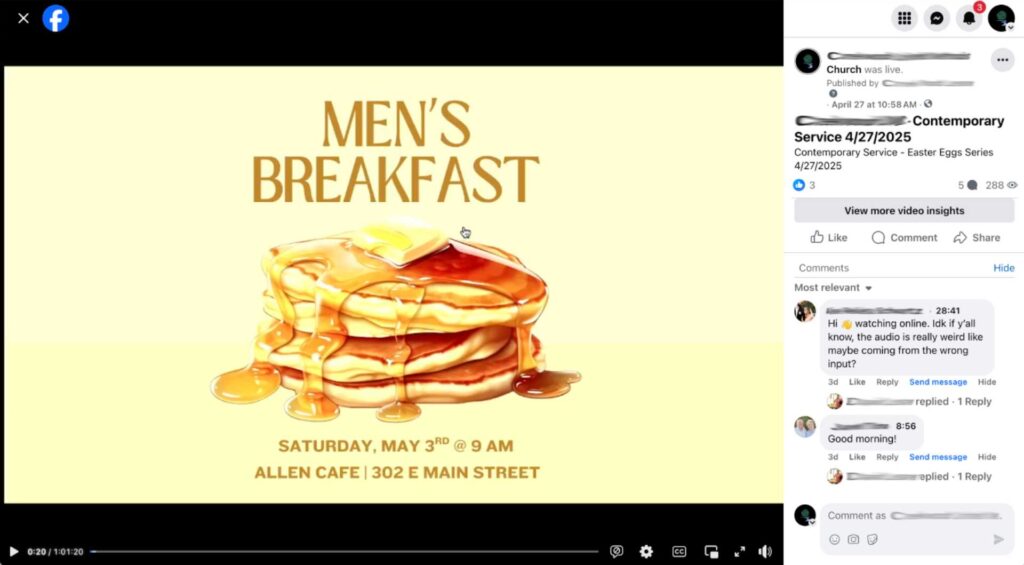
Notice the use of chat to identify sound issues during worship.
- Edit Your Content: Use video editing software to refine your recordings and create professional-looking content. (If you aren’t live-streaming, this requires recording, which can be done while you are live-streaming.)
- Experiment and Have Fun: Don’t be afraid to try new things and experiment with different settings and techniques.
Advanced Techniques
OBS offers a range of advanced features to take your content creation to the next level. These include:
- Multi-Camera Setup: Use multiple cameras to create dynamic and engaging content.
- Mult-camera setup can also be accomplished by utilizing a switcher to send one camera at a time to OBS.
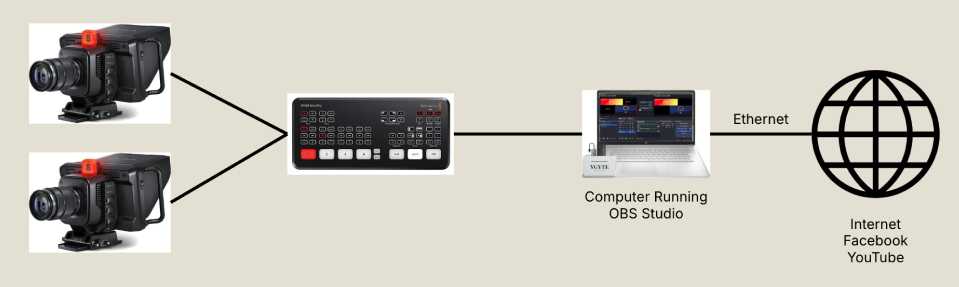
OBS Multi-Camera Setup
- Audio Mixing: Mix multiple audio sources, such as game audio, microphone input, and background music, along with your primary audio source.
- Custom Overlays: Design and create custom overlays to brand your stream or recording.
- Hotkeys and Macros: Automate repetitive tasks and streamline your workflow.
Getting Your Church Online With OBS may seem complex at first. It’s quite user-friendly but does take practice to use it effectively. Don’t be afraid to experiment and play around with the different settings and features. Tutorials are available online.
However, if you need assistance setting up OBS for your site, set up a free 15-minute consultation to discuss how we can work with you. If you’re already a client, reach out to set up a time.
Need Assistance Setting Up OBS For Your Live Stream?
Schedule a FREE 15-Minute consultation
Check out the Services Page
On the Services Page, you can find all the ways we can help you.
Case Study
Request a copy related to OBS and Live Streaming by emailing Patrick. You’ll get a Free PDF.